

Download & Install mToken Driver for Windows 11 (64-bit)
Download & Install mToken Driver for Windows 11 (64bit) OS
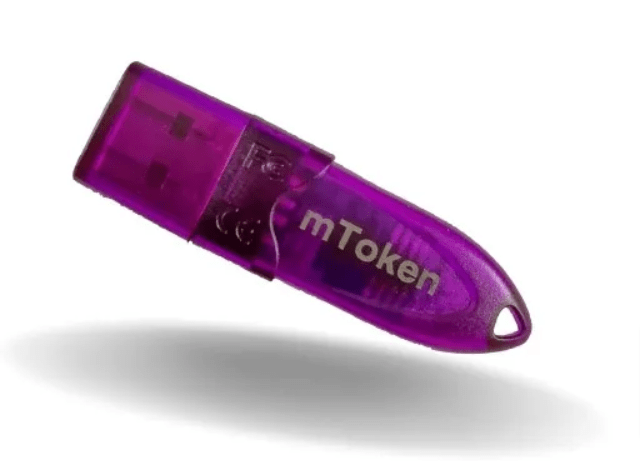
Download and install the mToken CRYPTOID-FIPS driver software compatible with Windows 11 (64-bit). This driver is required to ensure proper detection and functioning of the mToken USB device on Windows 11 systems. You may also refer to a step-by-step installation video to understand the complete installation process on Windows 11 (64-bit).
In India, mToken CRYPTOID-FIPS is widely used for securely storing Digital Signature Certificates (DSC). It supports DSCs issued by major certifying authorities such as VSign, Capricorn, eMudhra, PantaSign, Sify, IDSign, ExtraSign, and others.
Please note that mToken and Digital Signature Certificate (DSC) are two separate components. The mToken is a cryptographic USB device, while the DSC is the digital credential stored inside it. To use an mToken on Windows 11 (64-bit), you must:
- Install the correct mToken driver for Windows 11 (64-bit)
- Connect the mToken device properly
- Have the mToken user password to access the stored DSC
Without installing the appropriate driver and knowing the correct password, the mToken and DSC cannot be used for digital signing or authentication purposes.
Click below download button to Download mToken Driver for Windows 11 (64bit)
Driver File Size: 1.80MB
Driver File Type: Exe File (ZIP)
Latest mToken Drivers for Windows 11 (64bit) (This emphasizes “Latest,” which signals up-to-date and current information.)