

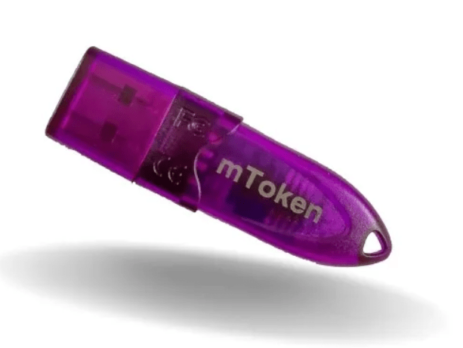
Download mToken Driver for Windows 11 32bit & Windows 10 64bit
Download & Install mToken Driver for Windows 11 32bit & Windows 10 64bit
Download mToken Driver for Windows 11 32bit & Windows 11 64bit. Download and install mToken CRYPTOID-FIPS Driver software for Windows 11 32bit & Windows 11 64bit. Also watch full video how to install mToken CRYPTOID-FIPS Driver software in Windows 11 32bit & Windows 11 64bit.
In India mToken CRYPTOID-FIPS is commenly used for storing a Digital Signature Certificate (DSC), you can Digital Signature Certificate (DSC) of any company like VSign, Capricorn, eMudra, Pantasign, Sify, ID Sign, Extra Sign etc.
mToken and Digital Signature Certificate (DSC) both are diffrent, to use mToken you should download and install its driver and you should know the password of that mToken.
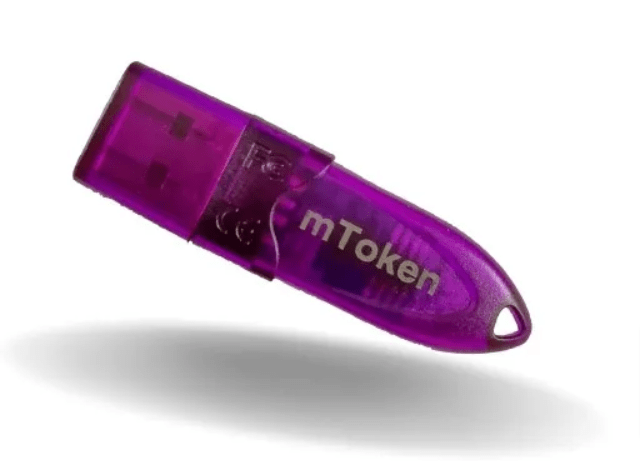
Click below download button to Download mToken Driver for Windows 11 32bit & Windows 11 64bit
Driver File Size: 1.80MB
Driver File Type: Exe File (ZIP)
Securely download the official mToken driver for Windows 11 (32-bit & 64-bit) to enable your digital signature certificate. This essential software is designed for seamless compatibility with the latest Windows OS, allowing you to use your mToken CRYPTOID-FIPS token for all your VSign, eMudra, and other DSC needs. Get the latest mToken software to ensure your device functions correctly and your sensitive data remains protected with this FIPS 140-2 certified token.